

Most dry cleaners who try AI do it backwards. They buy the shiny thing first — usually some photo recognition tool or a chatbot — then go looking for a problem it can solve. Six weeks later the tool is sitting unused next to the heat press because nobody could tell whether it was actually helping or just creating a second place to double-check things.
The shops that get real value do the opposite. They start with the workflow that's bleeding money or time, rank their options honestly, and run narrow pilots with a defined kill switch. That's the whole game. AI for dry cleaners isn't about replacing your counter staff or automating your plant — it's about pulling three or four specific, repetitive decisions off human plates so your people can focus on the judgment calls that actually need a brain.
This is a roadmap, not a sales pitch. We'll rank the use cases worth piloting, talk about the data quality you need before you start (this is where most shops fail), give you pilot templates with real thresholds, and — the part everyone skips — the error handling and rollback rules that keep a bad pilot from turning into an operational mess.
Why most AI pilots at shops quietly die
A pilot usually dies for one of three reasons.
First, the data feeding it was garbage, so the outputs were wrong often enough that staff stopped trusting them — and once trust is gone, people route around the tool entirely. Second, nobody defined success before starting, so there was no honest way to say "this worked" or "this didn't," and the thing just lingered until someone canceled the subscription. Third, there was no fallback, so when the AI was wrong, the mistake went straight to the customer instead of getting caught.
The most common version in real shops looks like this: a shop turns on an automated routing or tagging feature, it misfires on maybe one in eight orders, and because there's no review step, those misfires show up as angry pickup calls two days later. The owner blames "AI" and swears it off. But the actual problem was never the model — it was running it with no guardrails and no measuring stick.
The roadmap below is built to prevent exactly that.
The prioritized use-case matrix
Not all AI use cases are equal for a small shop. Some pay back fast with low risk. Others sound impressive but need clean data you probably don't have yet. Here's how the main candidates stack up for a single-location or small-chain cleaner.
Never lose track of an order again.
Pressesly helps you manage, track, and communicate every garment order seamlessly.
- Unified order management
- Real-time customer notifications
- Staff scheduling & workload tracking
No credit card required
| Use Case | Effort to Pilot | Risk if Wrong | Data You Need | Payback Speed |
|---|---|---|---|---|
| Photo triage (intake stain/damage flagging) | Low–Medium | Medium | Consistent intake photos, labeled defects | Medium |
| Order routing (dry clean vs. launder vs. specialty vs. outsource) | Low | Low–Medium | Clean garment codes, service history | Fast |
| Demand forecasting (daily/weekly volume) | Medium | Low | 12+ months of order data, dated | Medium–Slow |
| Customer messaging triage (pickup reminders, "is it ready" replies) | Low | Low | Order status data, accurate timestamps | Fast |
| Pricing suggestions on unusual garments | High | High | Garment-level cost data most shops don't track | Slow |
Two things jump out from how shops actually perform with these.
Routing and messaging triage are the easy wins. They're low-risk because a wrong answer is cheap to catch and correct, and they lean on data you probably already have in decent shape — order statuses, service codes, timestamps. Start here.
Photo triage is the high-value middle. It can genuinely reduce missed pre-existing damage and speed up intake, but it lives or dies on photo consistency. If your counter staff shoot garments at random angles under bad light, the model will be unreliable no matter how good it is.
Pricing and anything needing garment-level costing is where most shops should wait. Not because it's not valuable — it's that you need cost data most single shops don't capture yet. Piloting AI on top of missing data just produces confident nonsense.
When this ranking changes
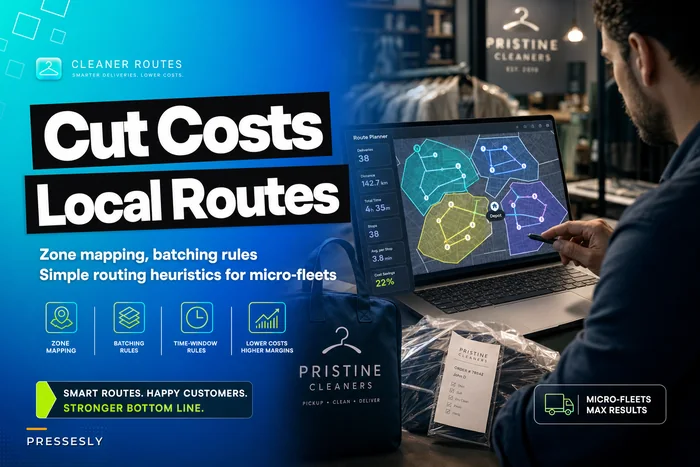
If you run delivery routes, demand forecasting jumps up the list — volume prediction feeds driver scheduling and capacity planning in a way that compounds. A shop batching deliveries across zones gets a lot more out of a forecast than a pure walk-in counter does. If that's your situation, it's worth pairing forecasting work with the kind of zone and batching logic covered in our piece on cutting delivery costs with local route heuristics. The forecast is only useful if your routing can actually act on it.
The data quality problem nobody wants to talk about
Your AI results will only ever be as good as the mess you're feeding it. And most shops are feeding it a mess.
-
Inconsistent garment coding. The same item gets tagged "blouse," "shirt (ladies)," and "top" by three different counter people. A forecasting or routing model can't learn from categories that don't mean the same thing twice.
-
Photos taken with no standard. Different angles, lighting, distances. A damage-flagging model needs consistency the way a stain SOP does.
-
Timestamps that lie. Status gets updated in batches at end of day instead of when things actually happen, so your "intake to ready" times are fiction.
-
Missing or guessed service history. Walk-in cash orders with no customer record mean the model has blind spots on a big chunk of volume.
Before you pilot anything, run a two-week data audit. Pull 100 recent orders and check: Are garments coded consistently? Do timestamps reflect real events? Are photos usable? If more than roughly one in five records is garbage, fix the capture process first. You'll get far more out of cleaning your intake than out of any model.
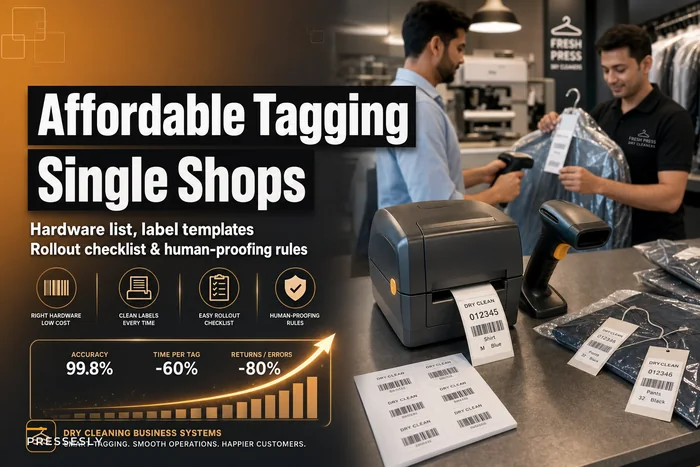
This is where the basics pay off twice. Shops that have already tightened intake — consistent photos, barcode-based tracking — walk into AI pilots with a huge head start. If your tagging is still handwritten or inconsistent, the groundwork in affordable barcode tagging for single shops is honestly a better first investment than any AI tool. Clean, structured data at intake is the thing everything else depends on.
Minimum data bars by use case
A rough guide for what "ready enough" looks like:
-
Routing at least 6 months of clean service-code history
-
Photo triage standardized intake photos — same angle, same lighting, defect examples labeled
-
Demand forecasting 12+ months of dated order volume, ideally with seasonality captured
-
Messaging triage accurate, real-time order status updates
If you can't hit the bar for a given use case, don't pilot it yet. Build the data first.
Pilot templates that actually tell you something
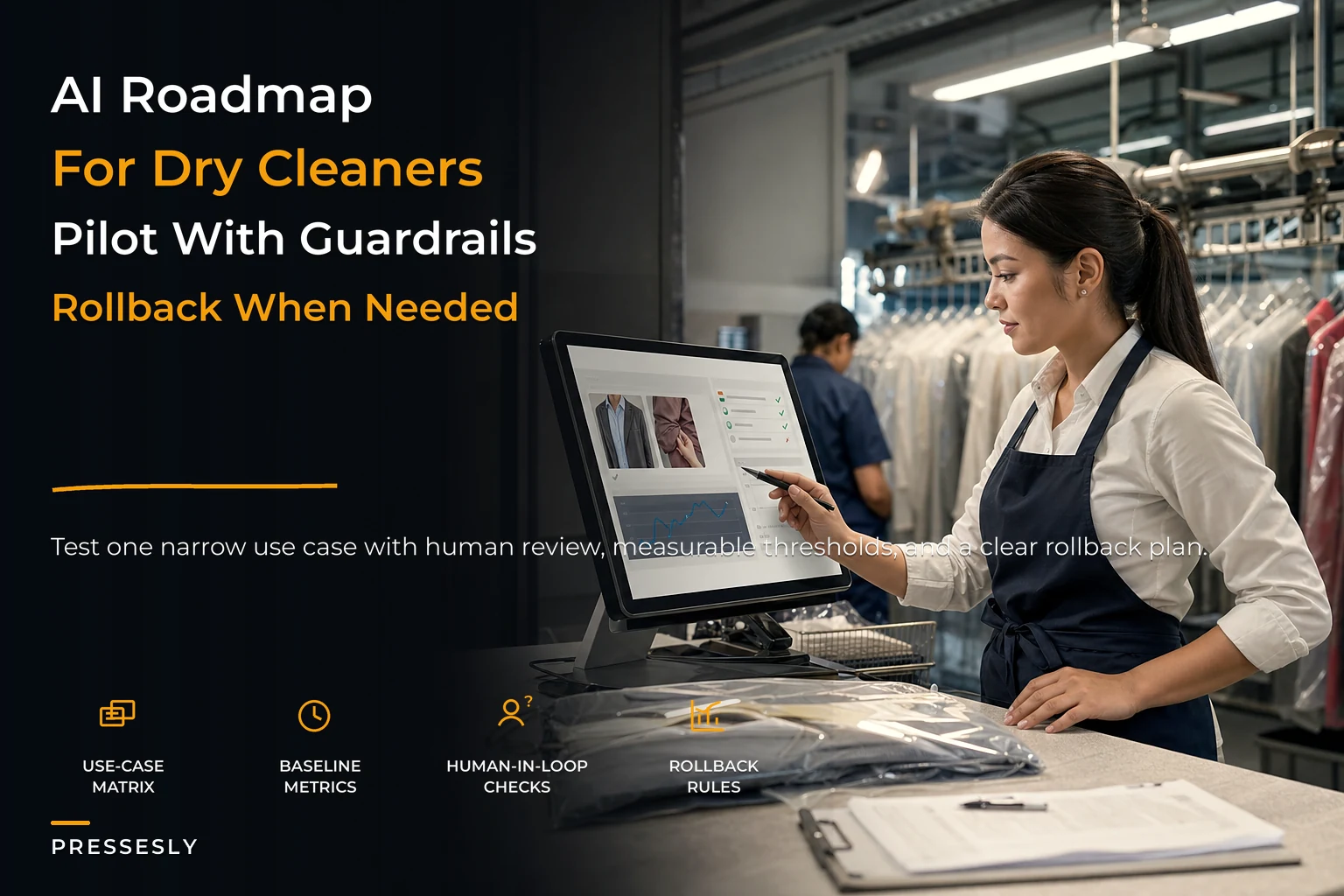
A pilot isn't "turn it on and see how it feels." It's a scoped test with a start date, an end date, a defined scope, and a number that decides whether it lived or died.
-
Pick one use case and one narrow scope. Not "AI routing for everything" — instead, "AI routing suggestions for the 10 most common garment types, dry-clean side only." Narrow scope means fast learning and easy rollback.
-
Set the baseline before you start. Measure the current state for 1–2 weeks. For routing: how often do orders get mis-routed today? For photo triage: how often does pre-existing damage get missed at intake? You can't claim improvement without a before.
-
Define the success threshold up front. Write down the number that means "keep going." Specific thresholds are covered in the next section.
-
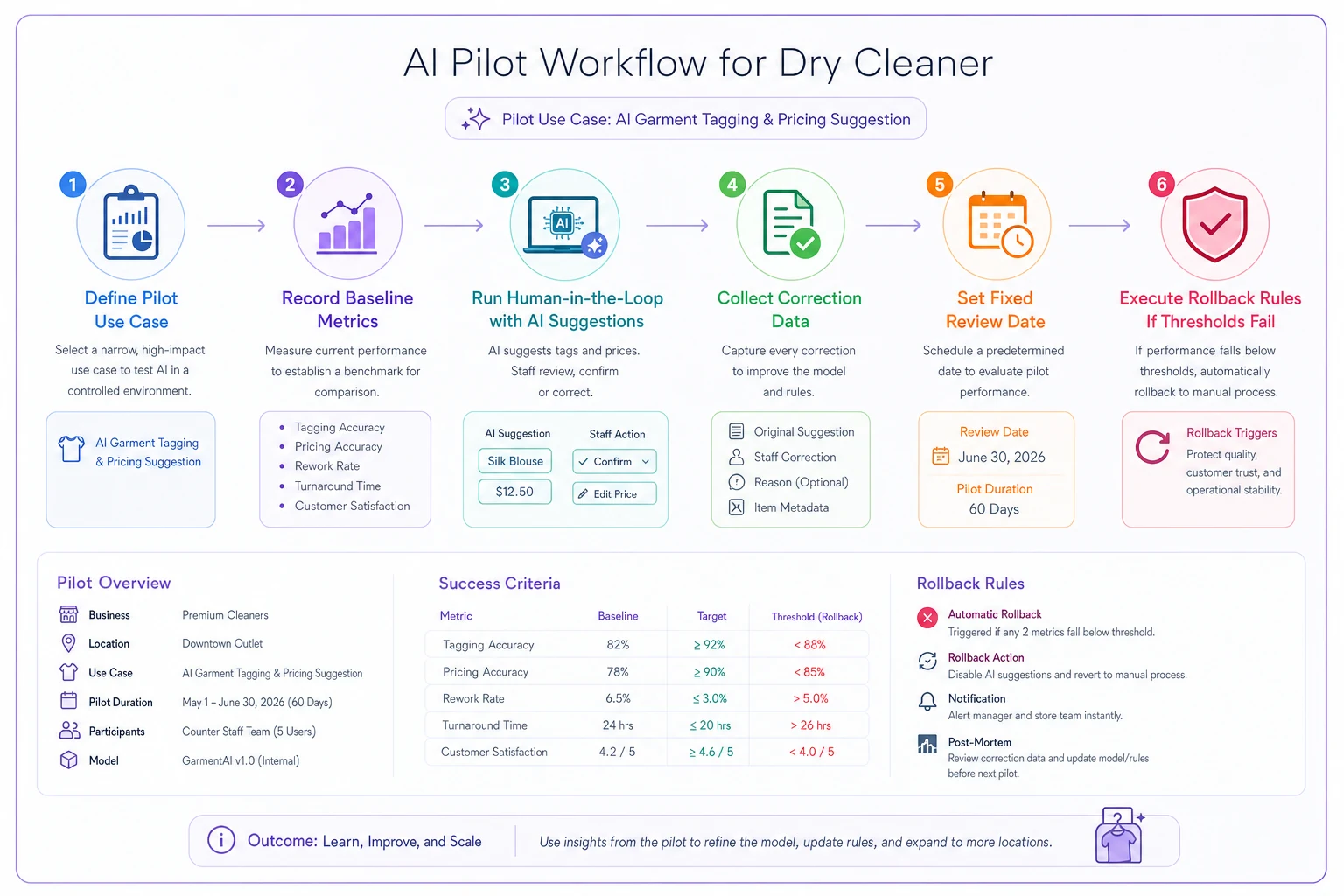
Run human-in-the-loop for the entire pilot. The AI suggests, a human confirms. Every suggestion gets a quick thumbs-up or correction. This protects customers and generates the correction data that tells you how the model actually performs on your orders, not the vendor's demo numbers.
-
Set a fixed review date. Two to four weeks. At that date, look at the numbers and make a call: scale, extend, or roll back. No indefinite pilots.
The human-in-the-loop step is non-negotiable during a pilot. Every correction a staff member makes is a data point measuring the AI's real accuracy — and it keeps a misfiring tool from touching customers while you're still figuring out if it works.
Keep the pilot scope narrow — focus on the smallest set of garment types that will cover most of your volume.
Here's a simple visual of the pilot workflow.
A note on photo triage pilots specifically
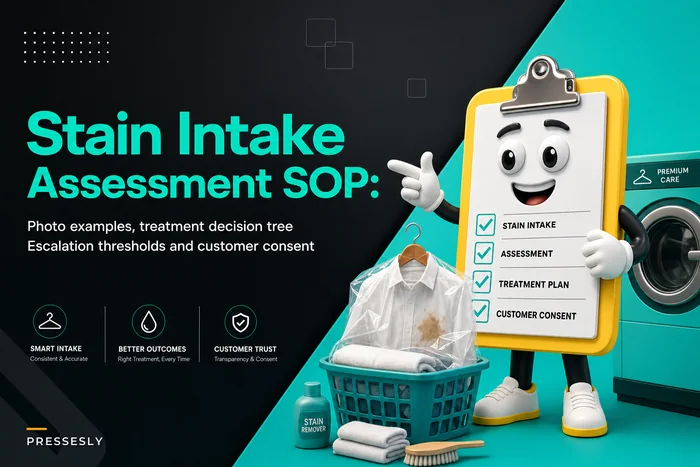
Photo-based damage and stain flagging is one of the more useful pilots, but it only works downstream of a solid intake process. The AI is flagging what the camera captured, which means your intake SOP is doing half the work. If you haven't nailed down how garments get assessed and photographed at the counter, start with the human process documented in our intake stain assessment SOP. Get the humans consistent first, then let the model assist on top of a stable process — not the other way around.
Setting honest success thresholds
If your threshold is vague ("it seems to help"), the pilot never ends and never gets scaled properly. Thresholds should be specific and tied to the baseline you measured.
-
Routing suggestions AI matches the correct routing decision on at least 90% of orders in scope, with staff correction time staying flat or dropping. Below around 85%, it's creating more review work than it saves.
-
Photo triage catches pre-existing damage at least as well as current staff intake, with a false-alarm rate low enough that staff don't start ignoring flags. A tool that cries wolf gets tuned out fast — that's a failure even if the catch rate looks good on paper.
-
Demand forecasting forecast within roughly 10–15% of actual daily volume consistently enough to drive staffing decisions. If it's off by 30% half the time, you can't plan around it.
-
Messaging triage handles routine "is it ready" and reminder flows without increasing customer complaints or missed-pickup rates.
These aren't "perfect" thresholds. The goal isn't an AI that's never wrong — it's one that's reliably better than, or as good as, the current process while saving time. A routing tool at 92% that saves your counter staff real minutes per shift is a win even though it's wrong occasionally, because the human-in-the-loop step catches those cases.
The rollback rules — your kill switch
Every pilot needs a documented point where you shut it off. Without this, bad pilots limp along doing quiet damage. Write these down before you start:
-
Accuracy drops below your "creating work" line (e.g., routing under 85%) for more than a few days running.
-
Any customer-facing mistake slips through because staff started trusting the tool too much and skipped the review step. One of these is a warning; a second means pull it.
-
Staff start routing around it — if your people have quietly gone back to the old way, the tool has already failed, regardless of what the dashboard says.
-
False-alarm fatigue sets in on photo triage, where staff dismiss flags without looking. That's worse than no tool, because it trains people to ignore warnings altogether.
The rollback itself should be boring and instant: turn off the AI suggestion layer, revert to the manual process, and keep the correction data you collected so you can retune before trying again. A clean rollback isn't a failure — it's the system working. The shops that get burned are the ones that had no exit plan and let a half-working tool keep touching real orders.
A real scenario
A two-location cleaner doing roughly 320–360 orders a week was losing time at intake. Counter staff were spending too long deciding routing on mixed garments — which items go to the dry-clean side, which get laundered, which get outsourced to a specialty partner — and new hires got it wrong often enough that rework was a steady drag.
They ran a four-week routing pilot, scoped to their 12 most common garment types. Human-in-the-loop the whole time: the tool suggested routing at intake, staff confirmed with a tap or corrected it. Baseline mis-routing on those garment types had been sitting somewhere around 11–13% with newer staff.
By the end of the pilot, AI suggestions were matching the correct routing on roughly 93% of in-scope orders, and corrections took seconds. Mis-routing on those garment types dropped to around 4%. Beyond the headline number, new hires got up to speed faster because the tool effectively encoded the routing rules the veterans already knew. Rework from bad routing eased noticeably within the month.
What made it work wasn't the model — it was that they measured a baseline, kept a human confirming every call, and had a threshold that told them it was worth scaling. The messaging triage pilot they ran at the same time, by the way, got rolled back. Their order status timestamps weren't reliable enough, so reminders fired at the wrong times. They shut it off, fixed their status-update discipline, and planned to retry it later. That's the system working as intended.
When this makes sense — and when it doesn't
This makes sense when you've got a repetitive, high-volume decision that follows learnable rules, reasonably clean data to feed it, and staff who'll actually engage with a confirm-or-correct step. Routing and messaging for shops with decent order data are the clearest fits.
This is a bad idea when your data capture is still a mess. Running AI on top of inconsistent coding, unreliable timestamps, or random photos doesn't give you intelligence — it gives you confident errors at scale. Fix capture first.
Don't do this if you're hoping AI will paper over a process you haven't defined. The tool amplifies whatever system it sits on. A shop with no clear routing rules, no intake standard, and no status discipline will just get its chaos automated. The groundwork — consistent tagging, reliable timestamps, a documented intake process — is the actual prerequisite, and it's valuable even if you never turn on a single AI feature.
Bringing it together
The roadmap is simple to state and hard to do: rank your use cases by risk and payback, be honest about whether your data can support each one, pilot narrow with a baseline and a threshold, keep a human confirming every call, and write your rollback rules before you start — not after something breaks.
AI for dry cleaners works best as a quiet assist on a well-run shop, not as a rescue plan for a disorganized one. The cleaners who win with it aren't the ones who bought the most advanced tool. They're the ones who did the unglamorous work of cleaning their data, scoped their pilots tightly, and were disciplined enough to pull the plug on the pilots that didn't earn their keep. Start with one low-risk use case, measure it honestly, and let the results — not the hype — decide what you scale next.
Ready to elevate your dry cleaning operations?
Join hundreds of dry cleaners using Pressesly to save time, reduce errors, and enhance customer satisfaction.